Linux you'll want to look at.
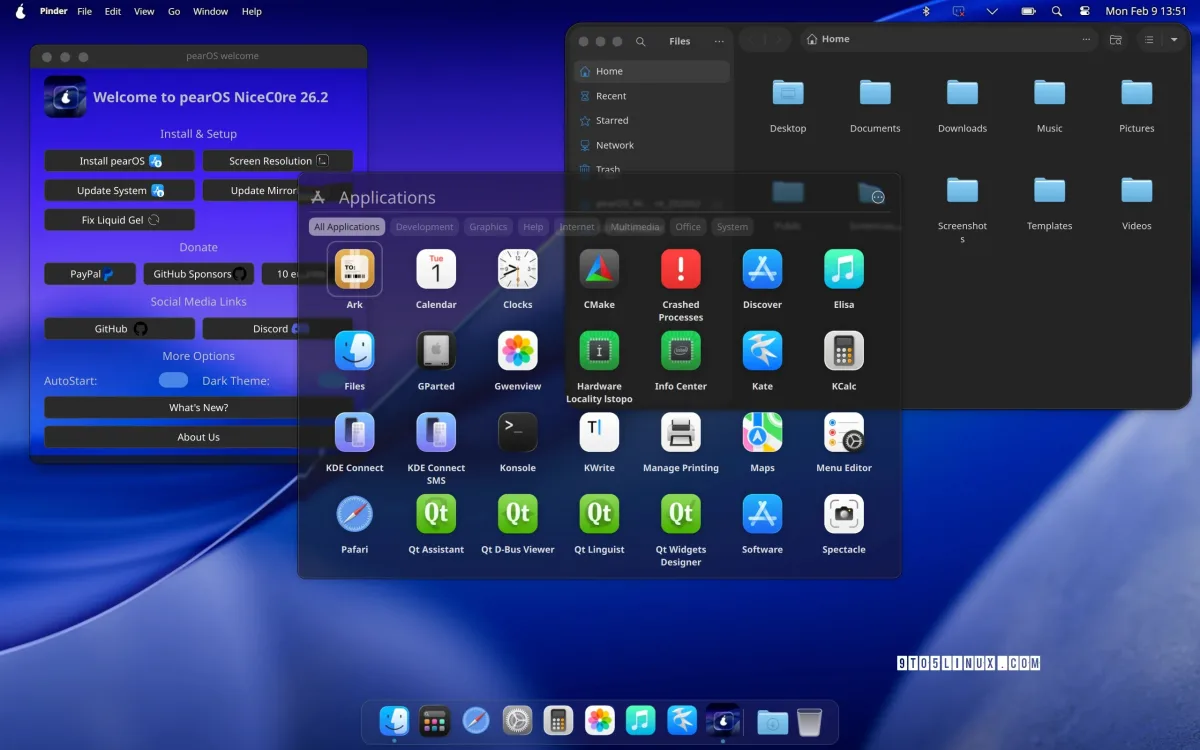
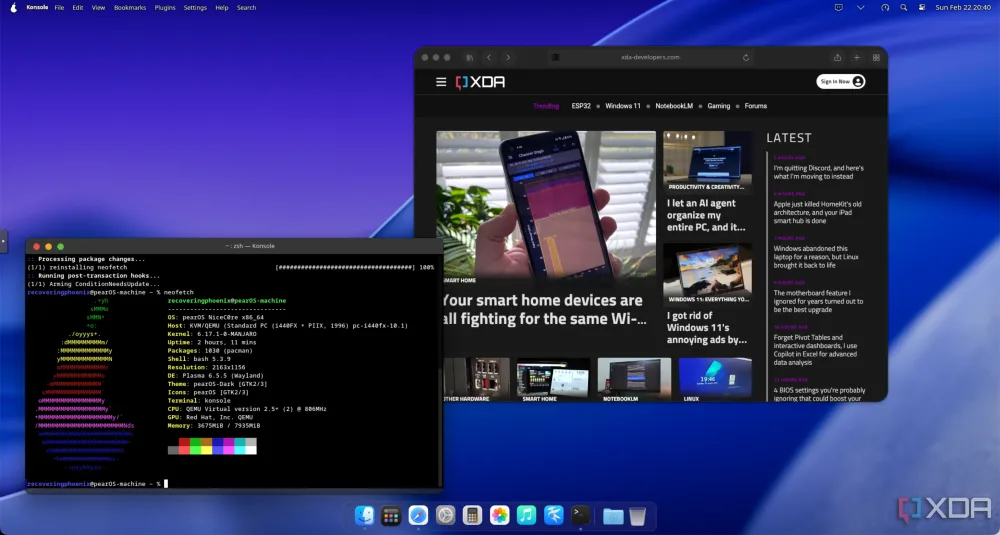
It looks like a Mac. Underneath, it's Linux — Arch, Debian, or BSD — set up without ever opening a terminal. pearOS, built by Pear Software and Services.
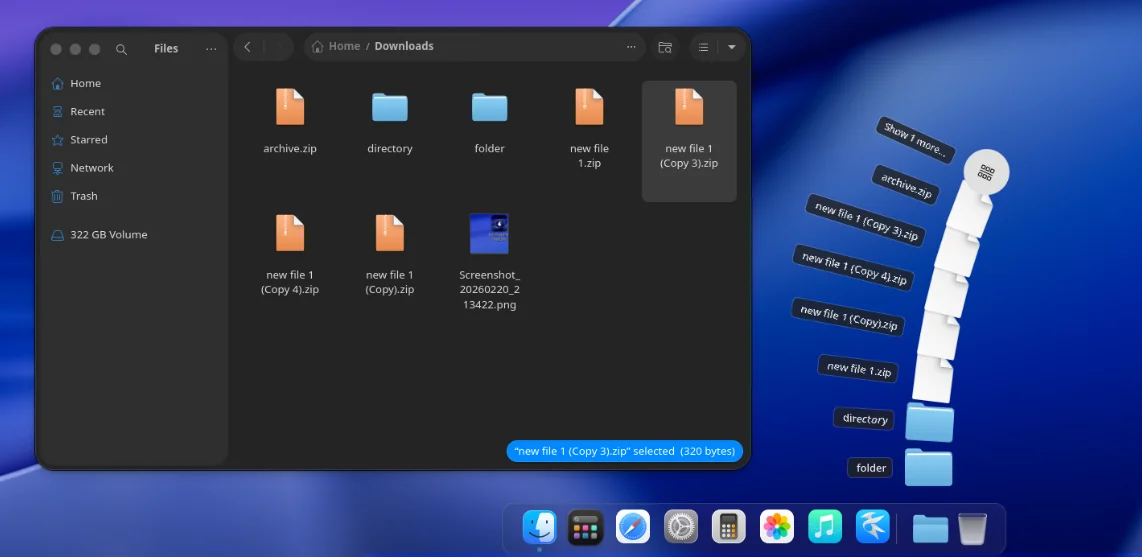
Built in the open, ready to run.
pearOS is free, open source, and shipping fast on GitHub — support the project or see what makes it tick.
Built in the open, on GitHub
Every commit, every star, every release — pearOS ships in public, with nothing hidden behind a roadmap deck.
Star History. Watch pearOS-archlinux/iso grow on GitHub, live.
Repo activity, at a glance. Commits, issues, and PRs for pearOS-archlinux/iso.
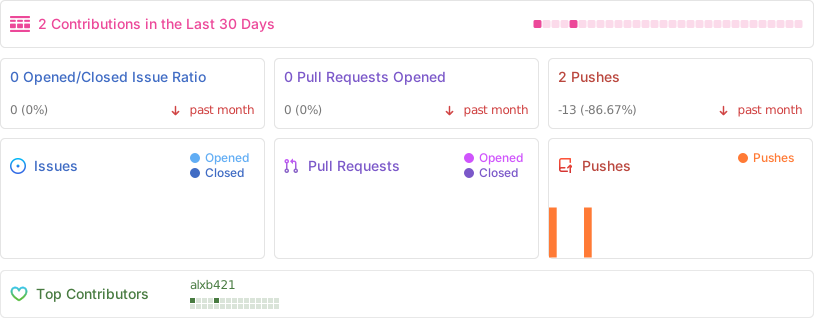
Built by real commits. alxb421’s GitHub contribution activity.
Nothing to set up first.
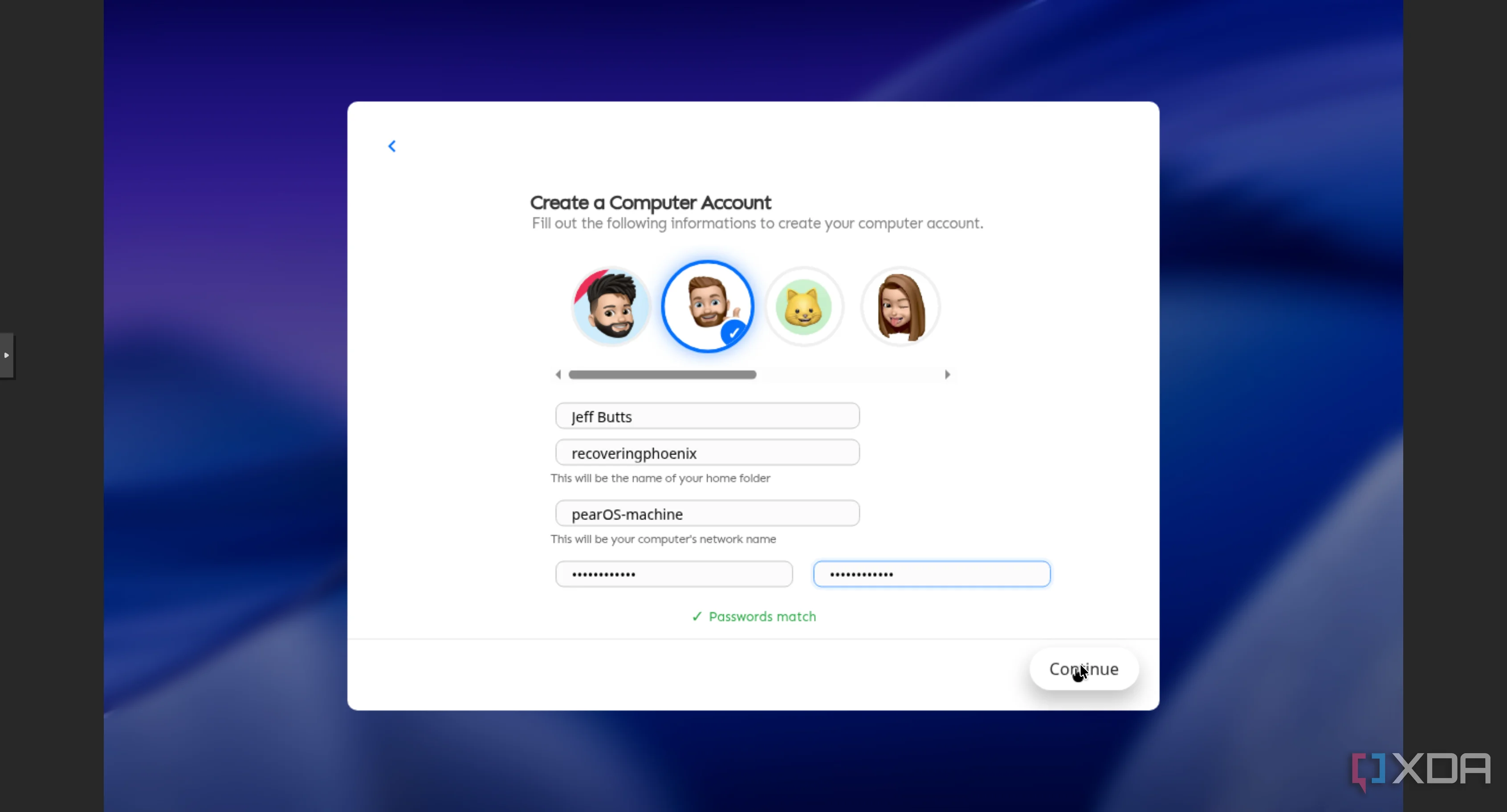
A fresh install won't drop you onto a blank screen with a list of things to go download. The essentials are already here.
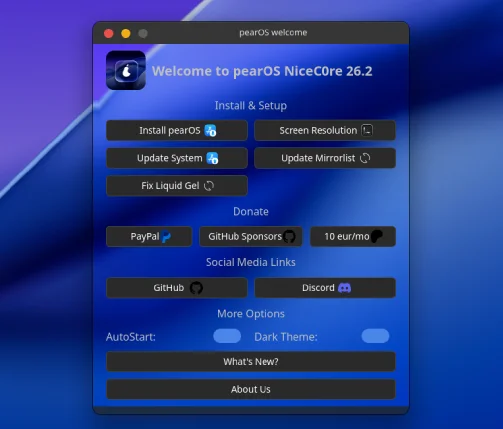
Welcome app
Gets your drivers, updates, and first apps sorted in one place, right after you log in.
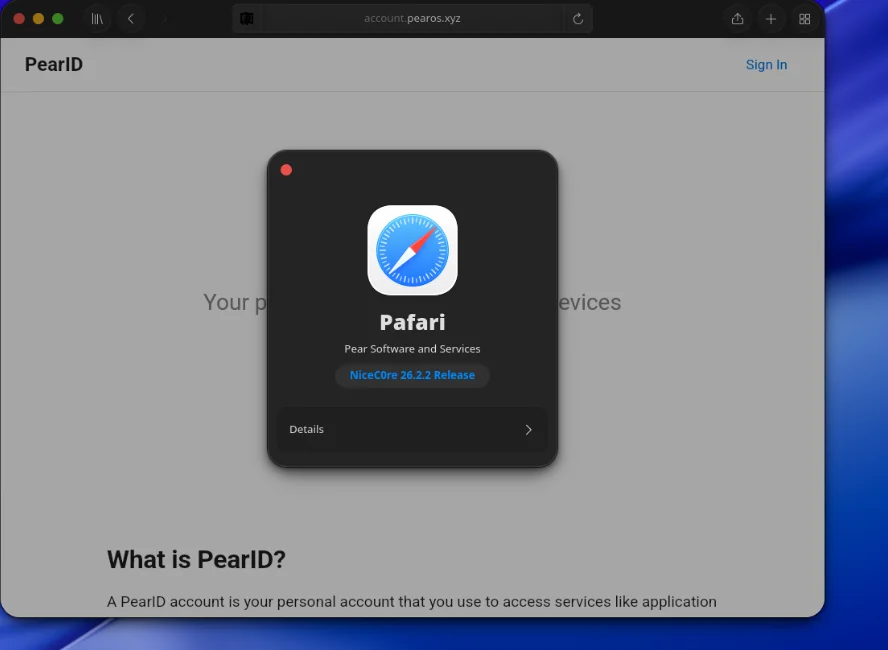
Pafari
A browser that belongs to the desktop instead of fighting it, ready for the web out of the box.
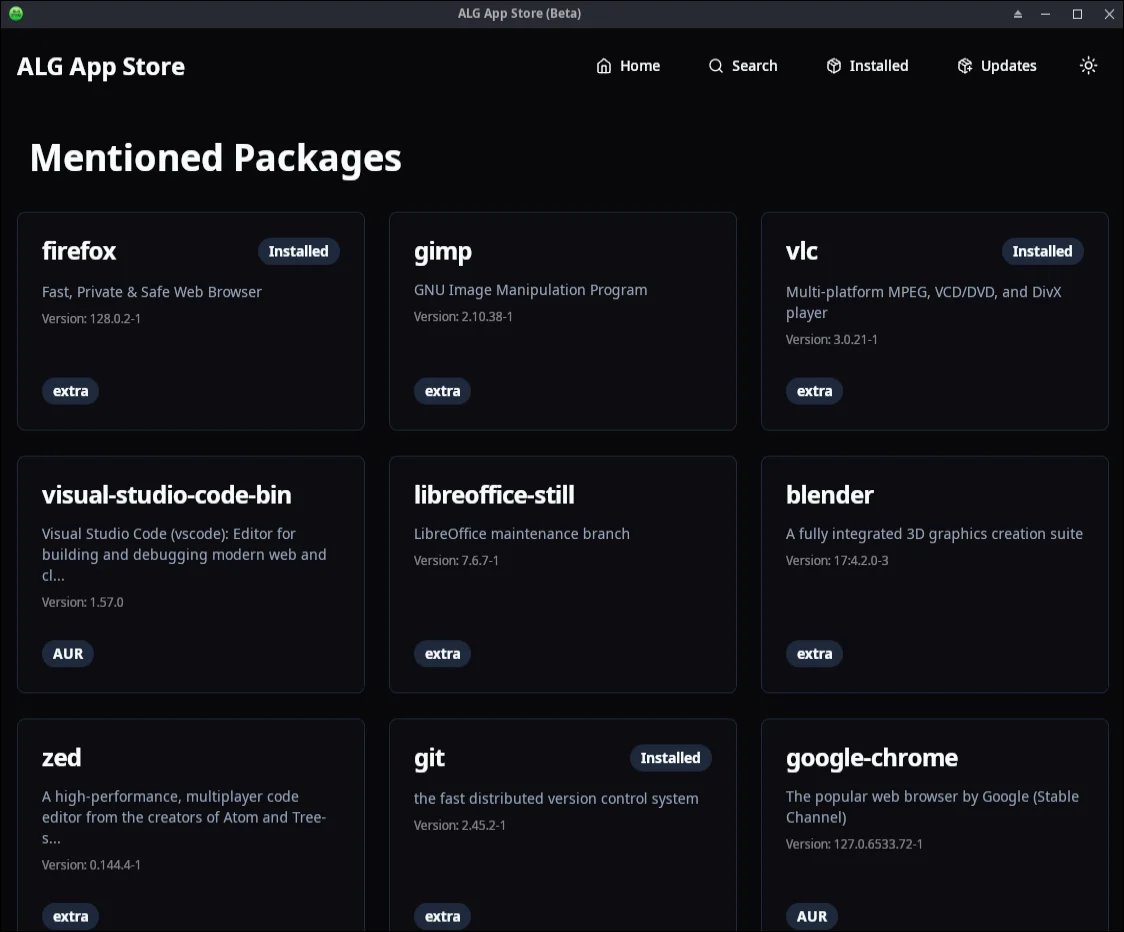
App StoreBeta
Browse and install without the command line. It's still early, and it gets better with each release.
Choose your build
Select your pearOS variant
One project, several builds. Pick the one that fits your hardware and how experimental you want to be.
NiceC0re
Flagship OS based on Arch Linux. A Mac-inspired desktop with a graphical installer, rolling releases, and the full AUR.
Debian Latest
Stable and slim ISO images, built on Debian for a lighter, more conservative base.
Developer PreviewBSD Build
Most experimental features. In active development — not yet ready for daily use.
Coming soonaarch64
Raspberry Pi build. The pearOS desktop on ARM64 hardware.
See All
Every version, across every pearOS build, in one place.
Plans
pearOS is 100% open-source.
Built independently with passion by one person, for over a decade. No tracking, no paywalls. If you love this project, consider fueling the project.
Frequently asked questions
Quick answers about installing, updating, and getting help with pearOS.